Chibi Manga
Chibi Manga AI Generator
Convert photos into cute chibi manga art or generate chibi characters from text prompts. Use this focused AI chibi maker for avatars, stickers, simple character concepts, bases, and pose references.
Convert Photos or Generate Chibi Manga Characters
Convert portraits into chibi art
Photo to Chibi Manga
Upload a portrait, selfie, or reference image and guide the chibi style with a short prompt. The tool maps facial features into big head small body proportions with expressive eyes and simplified anatomy.

Generate from a character prompt
Text to Chibi Manga
Describe the character, outfit, mood, expression, and pose you want, then generate artwork from text. Add details like color palette, background style, and intended use to get more consistent character design results.

Create simple character references
Chibi Bases and Pose References
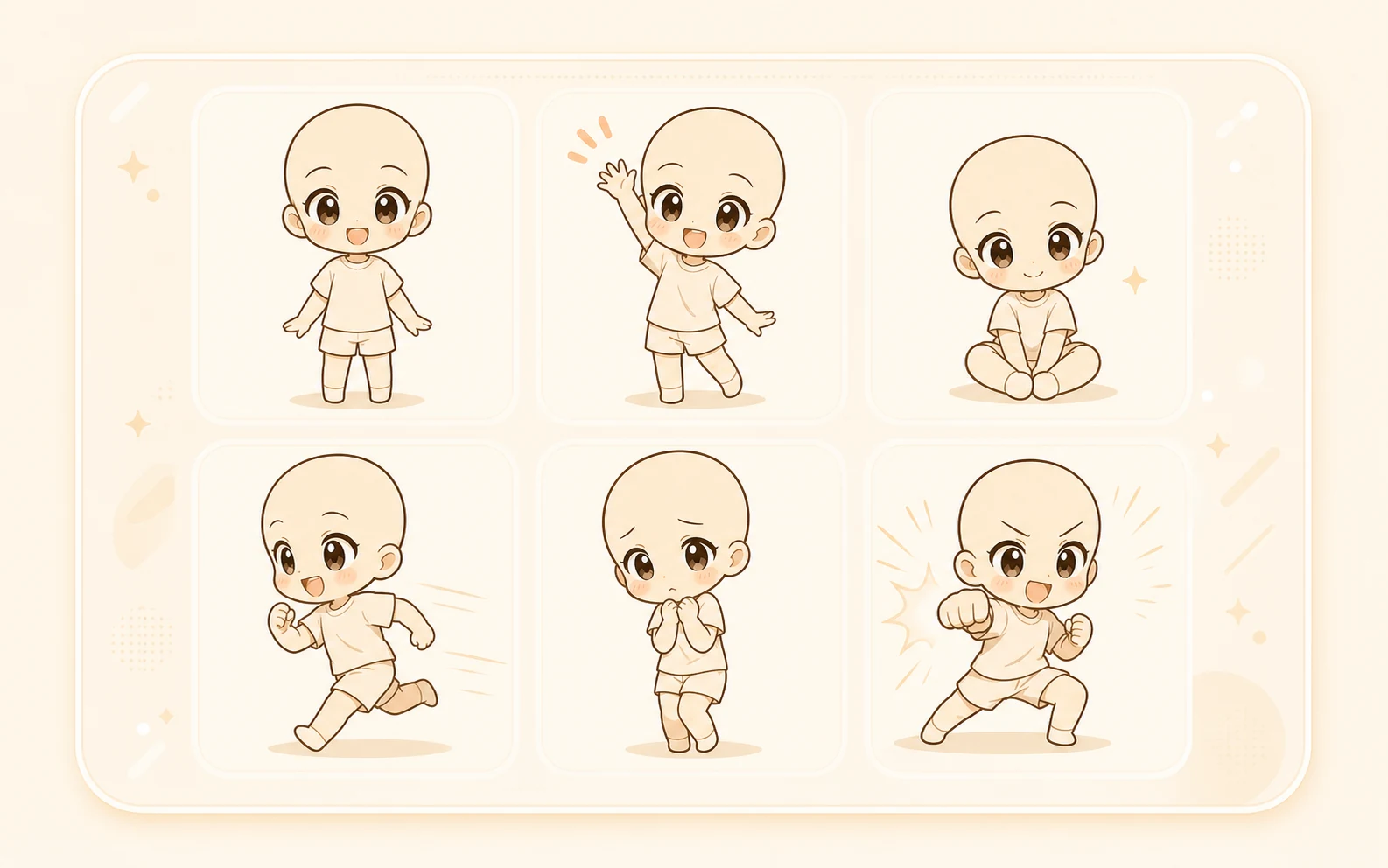
Generate simple base ideas, pose directions, and sticker-style compositions for creative reference. Useful for drawing practice, exploring deformed proportions, and planning manga illustration layouts.
Chibi Styles You Can Make
Choose a clear chibi direction, then convert a photo or generate from a prompt.
Cute Chibi Avatars
Convert portraits or generate prompt-based avatars with rounded proportions, expressive faces, and a kawaii art style. Great for social profiles, community icons, and creator branding.
- Cute proportions
- Expressive faces
- Avatar-ready
Sticker-Ready Chibi Art
Create simple, expressive chibi images for sticker ideas, icons, and social posts.
- Clear silhouettes
- Simple backgrounds
- Sticker-style output
Chibi Bases
Generate simple base ideas that can help with character planning, drawing references, and exploring simplified anatomy with deformed proportions.
- Simple forms
- Base ideas
- Drawing reference
Pose References
Create pose directions for original chibi characters without relying on protected characters or third-party IP.
- Pose ideas
- Original direction
- Reference-friendly
What You Can Make
Use one focused AI chibi maker for photo conversion and prompt-based chibi generation.
Chibi Avatars
Convert a portrait or generate a character prompt into a cute avatar for digital profiles, social media, and community icons.
Sticker-Style Art
Create simple, expressive chibi images for sticker ideas, icons, and social posts.
Character References
Generate simple character concepts, bases, and pose references for early-stage character design exploration.
Why Use This AI Chibi Maker
The workflow stays focused on converting and generating chibi manga art.
Photo Conversion
Start from a photo, portrait, selfie, or reference image and transform it into cute digital art with big head small body proportions and clean line art.
Prompt Generation
Describe a character and generate artwork from text without needing drawing skills. Include outfit details, facial expression, and pose direction for better results.
Original Character Direction
Use your own prompts and references instead of copying protected characters, brands, or third-party IP.
Simple Output Workflow
Create, review, refine, and download chibi manga images from the same generator interface.
How to Use the AI Chibi Generator
Convert a photo or generate a chibi character in a simple three-step workflow.
- 01
Upload a photo or enter a prompt
Start with a portrait or reference image, or describe the character you want. Clear inputs help the tool produce more consistent anime-inspired results.
- 02
Add chibi details
Guide the outfit, pose, expression, mood, color palette, and intended style. Mention whether the output is for a sticker, profile icon, or drawing reference.
- 03
Generate and refine
Generate the image, review the result, then adjust your prompt if needed.
AI Chibi Maker FAQ
Answers about converting photos, generating chibi manga characters, prompts, bases, and safe use.
It is an AI chibi maker for converting photos into chibi manga art and generating chibi characters from text prompts.
Yes. You can upload a portrait, selfie, or reference image and guide the chibi direction with a prompt.
Yes. Describe the character, outfit, mood, expression, pose, and style, then generate a chibi manga image from your prompt.
Yes. You can prompt the generator to create simple chibi base ideas and pose references for creative planning.
No. You can use the tool by uploading an image or typing a prompt. Drawing skills are optional.
Commercial usage wording will be finalized after the terms are confirmed. Do not upload copyrighted characters, logos, brand assets, or third-party IP unless you have permission.
The tool is intended for original chibi character creation. For safer results, create your own character instead of asking for protected anime characters or existing designs.
A strong prompt usually describes the character first, then adds pose, expression, outfit, color palette, and intended use. For example, mention whether you want a shy smile, excited pose, pastel clothing, simple background, or sticker-style framing. Clear prompt details help the tool create more consistent character design results.
Yes. You can guide the result toward a kawaii look by asking for rounded proportions, a big head small body shape, soft colors, expressive eyes, and a simple silhouette. For stickers or emotes, keep the composition clear and focus on one readable emotion or action.
Describe the body angle, gesture, and energy of the pose instead of only naming a style. Useful details include standing, sitting, waving, jumping, holding an object, looking over the shoulder, or making a peace sign. You can also ask for a plain background so the pose and character shape are easier to study.
Yes. The generated images can help with early visual exploration, including outfit ideas, facial expressions, simplified anatomy, and deformed proportions. Treat them as creative references rather than finished model sheets, then refine the design by redrawing and adjusting details.
Add prompt details such as clean line art, expressive eyes, simple shading, readable silhouette, and a balanced color palette. If the result feels too complex, simplify the prompt and focus on the character's main traits, pose, and expression.